LSP Impulsnachhall – Impulse Reverb plugin series

LSP Impulsnachhall - Impulse Reverb plugin series free reverb by Linux Studio Plugins Project

LSP Impulsnachhall – Impulse Reverb plugin series is a free reverb VST, LV2, Ladspa plugin developed by Linux Studio Plugins Project. Compatible OS(s): Linux.

This plugin performs highly optimized real time zero-latency convolution to the input signal. It can be used as a cabinet emulator, some sort of equalizer or as a reverb simulation plugin. All what is needed is audio file (s) with impulse response taken from the linear system (cabinet, equalizer or hall/room).

Unlike the Impulsantworten (Impulse Responses) plugin series, this plugin allows to apply the True Stereo Reverberation to the input signal.

To apply True Stereo Reverberation, the left input channel should be convolved with the left and right channels from the first impulse response fila and the right input channel is convolved with the left and right channels from the second impulse response file. The two output convolutions’ respective left and right components should be then summed into a single stereo output. This configuration is necessary to take full advantage of true stereo impulse responses. True stereo impulse responses are required to be provided as two separate stereo files.

By default, all controls of convolvers are set up to implement true stereo reverberation by setting left and right channels of first input file as input source for convolvers 0 and 1, and also setting left and right channels of second input file as input source for convolvers 2 and 3.

To use simple stereo reverberation on default settings, the left channel of input file can be set as source of convolver 0 and the right channel of input file can be set as source of convolver 3.

{See video at top of page}

http://lsp-plug.in/
LSP Grafischer Entzerrer – Graphic Equalizer

LSP Grafischer Entzerrer – Graphic Equalizer is a free equalizer VST, LV2, Ladspa plugin developed by Linux Studio Plugins Project. Compatible OS(s): Linux.

This plugin performs graphic equalization of audio channels. Up to 32 frequency bands are available for correction in range of 72 dB (-36..+36 dB).

http://lsp-plug.in/

LSP Gate – Gate plugin series

LSP Gate - Gate plugin series free gate by Linux Studio Plugins Project

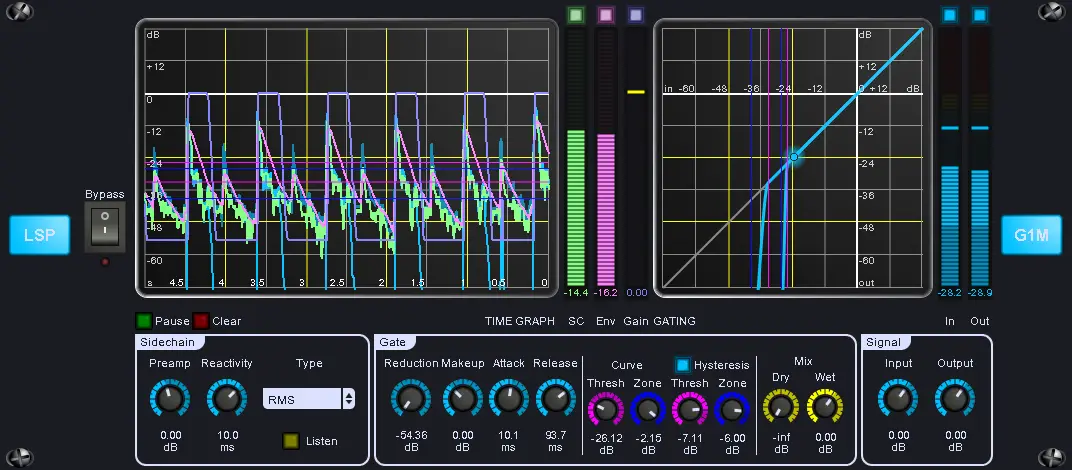
LSP Gate – Gate plugin series is a free gate VST, LV2, Ladspa plugin developed by Linux Studio Plugins Project. Compatible OS(s): Linux.

Gate plugin with additional hysteresis curve.

http://lsp-plug.in/

LSP Expander – Expander plugin series

LSP Expander - Expander plugin series free gate by Linux Studio Plugins Project

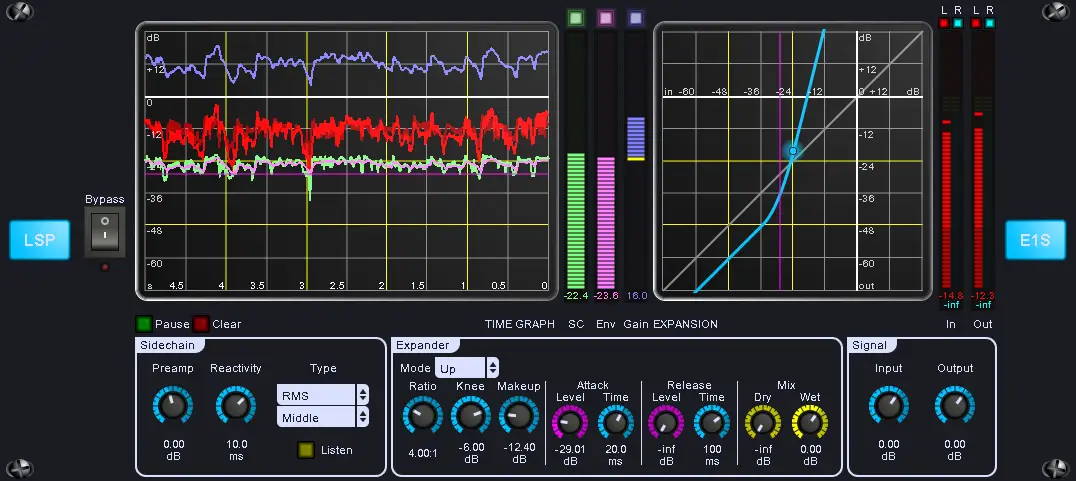
LSP Expander – Expander plugin series is a free gate VST, LV2, Ladspa plugin developed by Linux Studio Plugins Project. Compatible OS(s): Linux.

Expander plugin that works in downward and upward modes. Sidechaining and Mid-Side processing are available.

http://lsp-plug.in/

LSP Dynamikprozessor plugin series

LSP Dynamikprozessor plugin series free compressor | limiter by Linux Studio Plugins Project

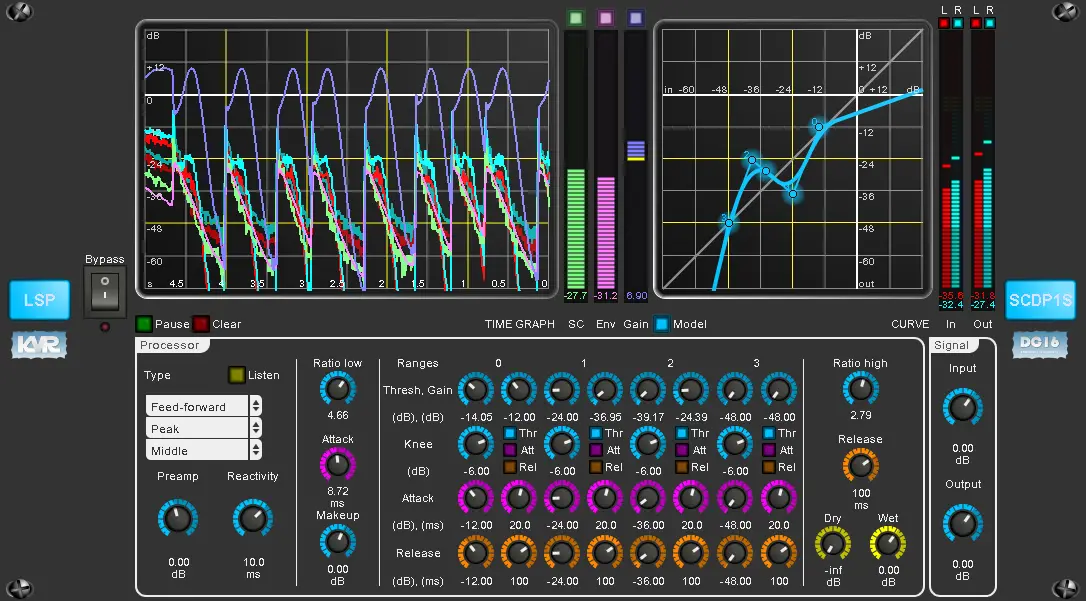
LSP Dynamikprozessor plugin series is a free compressor and limiter VST, LV2, Ladspa plugin developed by Linux Studio Plugins Project. Compatible OS(s): Linux.

This plugin performs dynamic processing of mono/stereo input signal. Flexible sidechain-control configuration is provided.

There are possible different variants of dynamic processor to build: compressor, limiter, gate, expander, some kind of transient designer and many others due to possibility of flexible dynamic curve configuration.

Also dynamic range can be split into sub-ranges that may have their individual attack and release timings.

{See video at top of page}

http://lsp-plug.in/
LSP Begrenzer – Limiter plugin series

LSP Begrenzer - Limiter plugin series free limiter by Linux Studio Plugins Project

LSP Begrenzer – Limiter plugin series is a free limiter VST, LV2, Ladspa plugin developed by Linux Studio Plugins Project. Compatible OS(s): Linux.

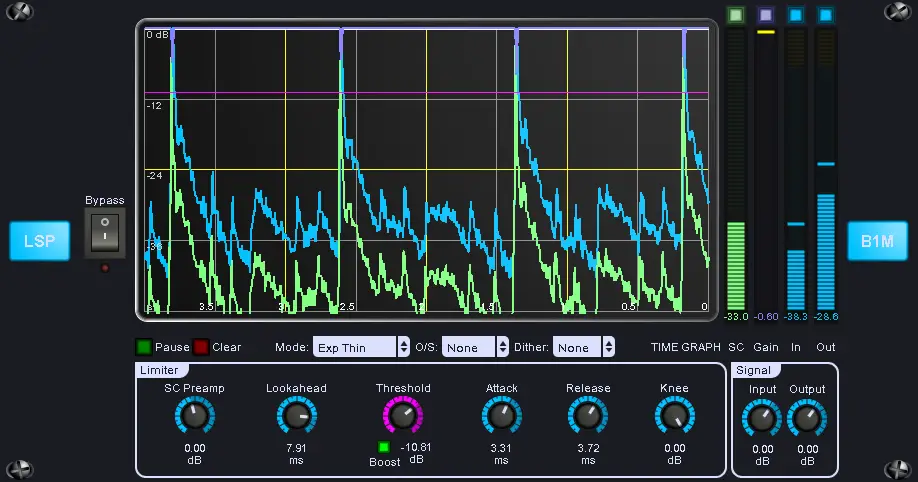
This plugin implements a brick-wall limiter with flexible configuration. It prevents input monosignal from raising over the specified Threshold.

Attention: this plugin implements set of limiting modes, most of them are iterative. That means that CPU load may be not stable, in other words: the more work should be done, the more CPU resources will be used. Beware from extreme settings.

{See video at top of page}

http://lsp-plug.in/
LoudMax

LoudMax free limiter by Thomas Mundt

LoudMax is a free limiter VST, Audio Unit, Ladspa plugin developed by Thomas Mundt. Compatible OS(s): Windows, macOS, Linux.

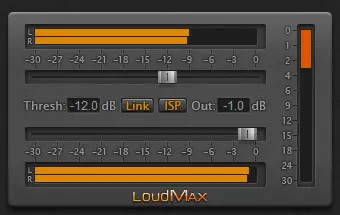
LoudMax is a Look-Ahead Brickwall Loudness Maximizer with a clean transparent sound. It is designed to retain the original character of the music as much as possible even at high compression levels.

Main range of application:

  • Audio Mastering.
  • Output Limiter/Maximizer for web radio stations.

Controls:

  • One slider for threshold, one for the output level.
  • Meters for input, output and gain reduction in relation to the desired threshold.
  • Link: Output slider will be coupled to the threshold slider.
  • ISP: Inter-sample peak detection for true peak limiting.

Features:

  • True Peak Limiting.
  • Supported Samplerates: 2kHz – 384kHz.
  • Latency: 1.25ms (+ 6 samples with ISP).
  • Look-Ahead and Attack Time: 1.25ms.
  • Release Time: Automatic – depending on the input signal.
  • No audible distortion.
  • Possible Overdrive: 740dB.
  • Very low CPU usage.

https://loudmax.blogspot.com/

Element

Element free routing | wrapper by Kushview

Element is a free routing and wrapper VST, VST3, Audio Unit, AAX, Ladspa, LV2 plugin developed by Kushview. Compatible OS(s): Windows 64b, macOS.

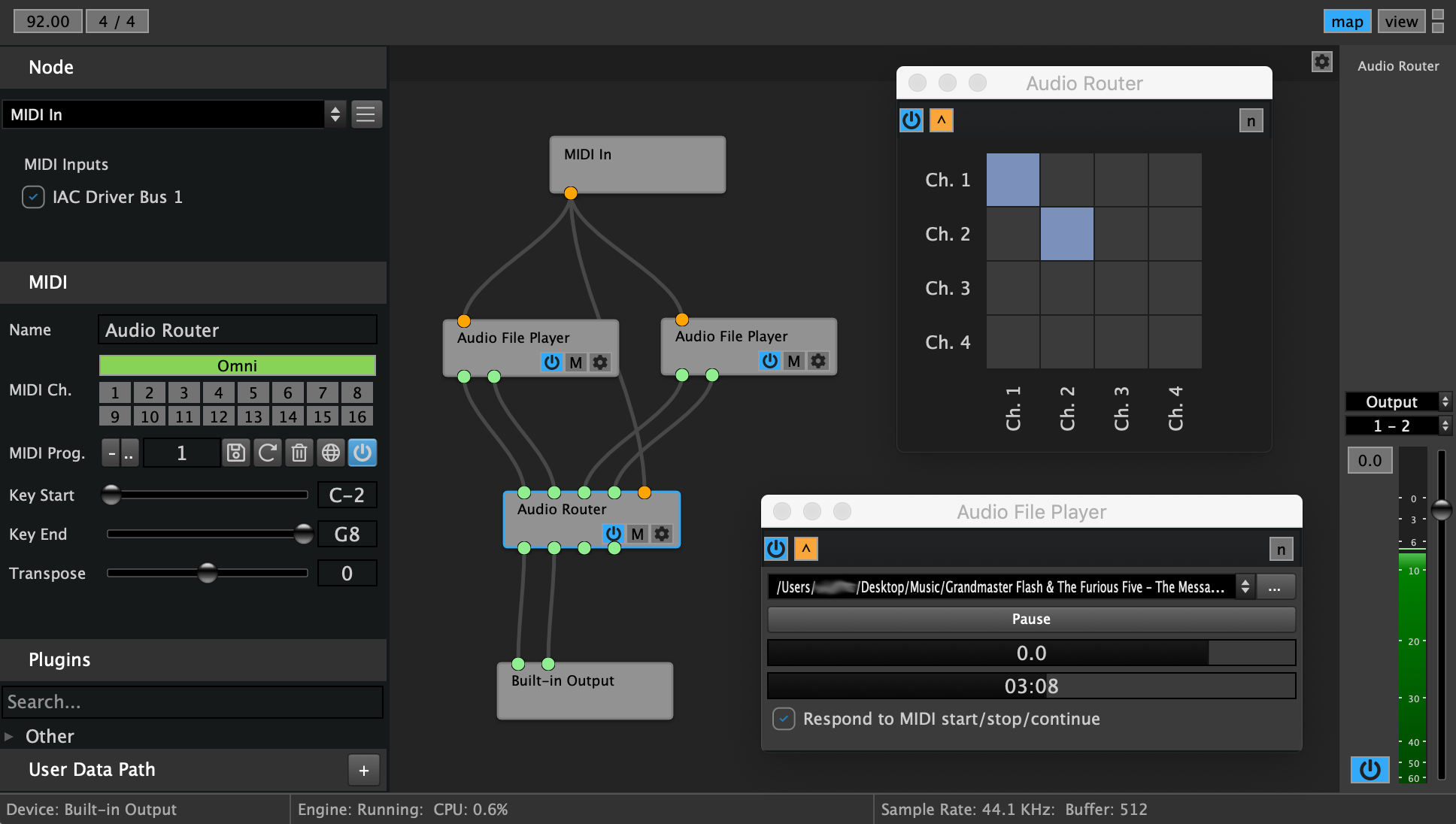
Element is a modular AU/VST/VST3 audio plugin host for live performance and the studio. Chain plugins together into effects racks and instruments.

As an Instrument: Play virtual instruments by loading synth plugins. Use multiple graphs to switch programs instantly.

As an Effects Rack: Chain effect plugins in parallel or series. Route audio from anywhere to anywhere.

Runs in your DAW: Element is a standalone plugin host, but can also run as a plugin in your DAW. Open a new pipeline between you and your tools.

Current Features:

  • Play virtual instruments and effects live.
  • Chain Multiple Effects Plugins together.
  • Create nested sub-graphs.
  • Run in your DAW as an AU/VST/VST3/AAX Plugin
    • Function as Plugin Wrapper.
    • Run VST and AU plugins in Pro Tools.
  • External Sync w/ MIDI Clock.
  • Graph Importing and Exporting.
  • MIDI Mapping.
  • Flexible connectivity via Patch Bay and Graph Editor.
  • Internal DSP building blocks.
  • Loads all major plugin formats AU / VST / VST3.
  • Placeholder Nodes. When Plugins are missing, this passes the audio through.
  • Built in Virtual Keyboard.
  • Route plugins to each other any way you want by enabling points on the grid.
  • Draw cables between nodes to make connections.
  • More….

Feedback

Want to report a bug or request a feature? See the Element issue tracker on Github.

Compatibility

Because Element runs on both Mac and PC, and all major plugin formats AU/VST/VST3.

https://kushview.net

Cabbage

Cabbage free development-tool by Cabbage Audio

Cabbage is a free development tool VST, Audio Unit, Ladspa plugin developed by Cabbage Audio. Compatible OS(s): Windows, macOS, Linux.

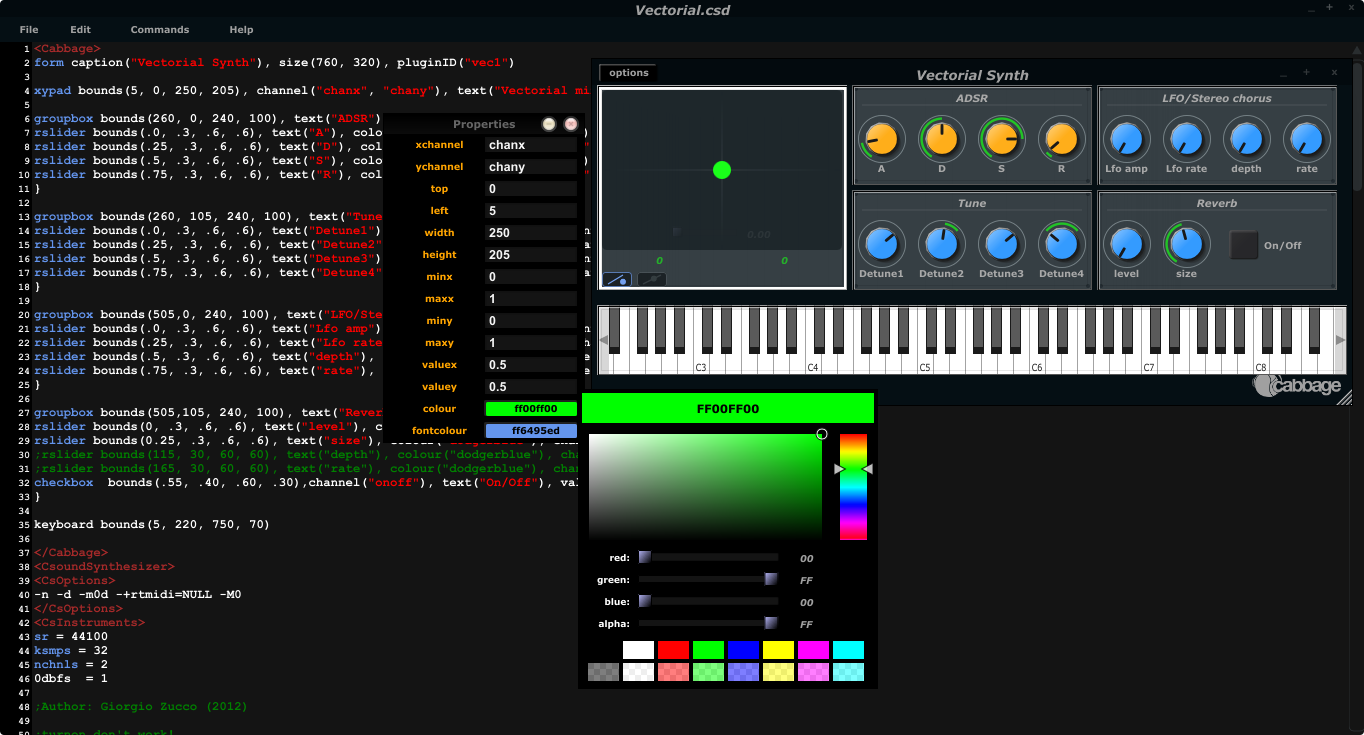
Cabbage is a framework for audio software development. Using simple markup text and the Csound audio synthesis language users can target Windows, OS X, Linux and Android with a single piece of source code.

Cabbage Studio (Beta) is a Csound based DAW with a fully functional patching interface and development environment. Develop, prototype and test Csound based audio instruments on the fly using an integrated development solution that includes an embedded source code editor and rapid GUI designer. Cabbage Studio isn’t just for users familiar with Csound, it can load a number of different plugin formats including VST, AU, and LADSPA and comes with over 100 high end audio plugins ready to use out of the box.

Cabbage for Android will let you run any of your Cabbage plugins on an Android smart phone.

Cabbage AU (Beta) is a dedicated AudioUnit front-end for Cabbage. Unlike the Cabbage VST interface, CabbageAU is a single plugin. Once loaded into a DAW, users can open any Cabbage instruments they wish and load as many instances of CabbageAU as they want. Saving the DAW session will also save the instruments associated with each instance.

Cabbage Features:

  • Cross Platform: Cabbage can be run on Windows, OS X and on Linux.
  • Standalone Software: Cabbage instruments and effects can easily be exported and run as standalone software without the need of a host program or DAW.
  • VST Export: Users can export instruments and effects as fully functional plugins to be run inside your favourite host/DAW.
  • Share: Users can share plugins/instruments as text files to be used on Windows, OS X, Linux and Android.
  • Python Scripts: Custom Python scripts can be embedded directly into an instrument’s underlying source code.
  • Multichannel: Cabbage can be run as a multichannel software, both in standalone and in audio plugin mode.
  • Automate: Csound can be used to automate any of the plugin controls, and to save and load session data.
  • MIDI Instruments: Not into audio processing? That’s Ok, Cabbage lets you easily build MIDI only instruments.
  • Signal Gen: Users have up to 1300 different signal generators/modifiers available.
  • Control Widgets: Csound can be used to control the state and behavior of any widget. This means widgets can be programmed to move around the screen, change colour or size, morph or fade into other controls, as well as lots of other funky operations.
  • GUI Controls: GUI controls, include sliders/knobs/buttons, xy-pads and waveform/envelope editors, checkboxes, text editors, file browsers, etc. GUIs can be implemented directly in simple mark-up language, or via drag and drop once in Edit mode.
  • Theme with SVG: Customise your Widgets with Scalable Vector Graphics (.svg’s).
  • OSC Support: Both desktop and Android versions of Cabbage support OSC. Cabbage instruments can be built to take control of other instruments, or indeed third party software over a shared network.

For details on the Csound language please the Csound homepage.

{See video at top of page}

http://cabbageaudio.com/